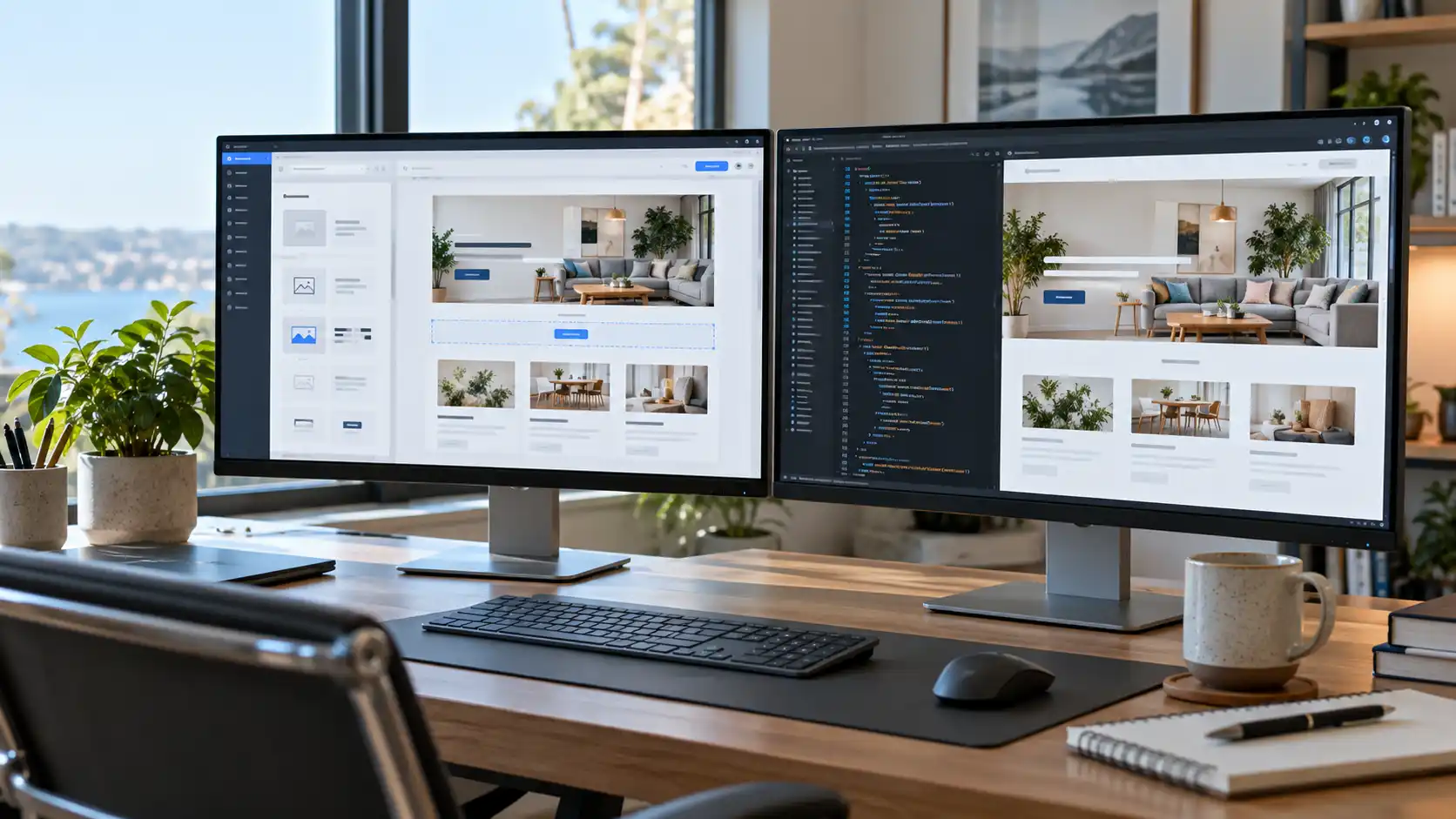
There are several ways to build a good website. Some businesses use WordPress, some use drop-in website builders, and others have a developer build the site from scratch in HTML, CSS, and JavaScript. Visitors usually can’t tell the difference.
Someone looking for your phone number or scanning your services page doesn’t care what the site is built with. They want it to load fast and give them what they came for.
Behind the scenes, though, the platform you choose affects how you manage, maintain, and expand the site. Both WordPress and custom HTML have real strengths. Which one is better depends mostly on the way you intend to use your website.
What’s the Difference Between WordPress and Custom HTML?
WordPress is a content management system, or CMS. It gives you a dashboard to add pages, publish articles, and upload images without touching any code.
A custom HTML site works differently. There’s no CMS. A developer builds each page by hand, using HTML for structure, CSS for styling, and JavaScript where you need interactive features.
This can be confusing because WordPress sites also run on HTML, CSS, and JavaScript. The real difference is how the pages get produced and managed. WordPress pulls pages together from a database, a theme, and a handful of plugins. A traditional static HTML site just hands prebuilt files straight to the visitor’s browser.
Either approach can give you an attractive, responsive, professional site.
Where WordPress Has the Advantage
WordPress shines when you expect your site to keep changing. Picture a local company that publishes a monthly article, tweaks its services now and then, adds new team members, and occasionally spins up a landing page. Without a CMS, someone comfortable working in code might need to make every one of those changes. WordPress handles most of that through a simple interface.
Content updates are easier
The biggest perk is that you don’t need to know how the site was built to manage it. A business owner can rewrite a service description, swap out a photo, or publish a post right from the dashboard.
The block editor also lets you build fairly elaborate layouts, though how much control you get depends on your theme and how the site was set up. There’s a learning curve, especially with advanced themes and page builders. Even so, everyday edits are usually much easier than hand-editing HTML files.
A huge plugin environment
WordPress has plugins for contact forms, appointment booking, e-commerce, SEO, memberships, and just about anything else you can think of. That often means less custom development when you want to add a feature.
Plugins come with trade-offs, though. Each one is another piece of software that needs updates, testing, and compatibility tests, and some load scripts or styles on pages that don’t need them. A site with a few well-chosen plugins can be fast and dependable. A site loaded with poorly maintained plugins can slow down and become painful to troubleshoot. The raw number of plugins matters much less than their quality and what they actually do.
A good fit for growing digital libraries
If you plan to publish articles, case studies, project galleries, or educational resources, WordPress is built for that. Categories, tags, archives, and reusable templates keep a growing pile of content organized. A company posting a few new articles each month can do it on its own, without asking a developer to build a new HTML page every time. Over time, that convenience adds up.
Where Custom HTML Has the Advantage
Custom HTML can be a great choice when you need a fairly small site, and the content doesn’t change much. Think of a local contractor with five main pages: Home, About, Services, Service Areas, and Contact. If the content is stable and you don’t need a complicated admin system, a static site may cover everything you need.
Less software to maintain
A static HTML site doesn’t need a WordPress install, a database, theme updates, or a stack of plugins. That takes a lot of routine maintenance off your plate.
You’ll still have things to look after, like hosting, your domain, security settings, forms, outside integrations, and the occasional content change. But the site is much simpler, and if you rarely change your content, that simplicity is a real benefit.
Performance is easier to control
A developer working directly in HTML, CSS, and JavaScript decides exactly what the browser downloads and runs. There’s no need for a heavy page builder, extra libraries, or scripts for features you never use, so it’s easier to keep pages light.
That doesn’t make every custom HTML site fast, though. Oversized images, sloppy JavaScript, too many animations, and bloated third-party services can drag down a static site just as easily as a WordPress one. And a well-configured WordPress site with good caching, optimized images, and a well-built theme can perform really well. The technology matters, but the development choices matter equally as much.
Design freedom
With custom development, designers and developers aren’t working around theme or page-builder limits. That’s especially handy if you want a distinctive look. You can build unusual navigation, custom animations, tightly controlled responsive layouts, and one-of-a-kind presentation styles directly.
WordPress can be highly customized too, especially with a custom theme. The difference is that a standalone HTML site doesn’t have to make room for everything a CMS needs.
What About SEO?
There’s a stubborn myth that WordPress sites automatically rank better on Google than custom HTML sites. They don’t. Google can crawl and index both, and neither gets a built-in ranking boost from the platform. Search engines care about relevant content, a clear page structure, crawlability, mobile usability, and overall site quality.
WordPress does make some things more convenient. SEO plugins help you manage page titles, meta descriptions, XML sitemaps, and some types of structured data, which is handy when non-technical people publish content regularly. On a custom HTML site, you handle those same elements directly through the build process.
Neither tactic guarantees visibility. A WordPress site with thin, unhelpful content won’t beat a properly structured static site just because it has an SEO plugin installed. And a custom HTML site isn’t at a disadvantage just because it doesn’t have a familiar dashboard.
Is WordPress More Expensive Than Custom HTML?
It depends on the project. WordPress itself is free, open-source software, but that doesn’t mean a professionally built WordPress site is free to create or run. Development time, hosting, premium themes, plugin licenses, maintenance, and content creation all add up.
A small custom HTML site can cost less to host and maintain because it involves less software. On the flip side, a highly customized static site can require significant development work, especially if it has complex interactions or integrations.
Content updates also matter for long-term cost. If you have to pay a developer every time you change a service description, you might end up spending more on a static site than you would managing those edits yourself in WordPress. But if you update only once or twice a year, that same arrangement can be perfectly affordable.
Upfront cost is only part of the picture.
What Happens When You Need New Features?
This is where your longer-term plans really count. Say a small service company launches with five pages. A year later, it wants to publish educational articles, add individual location pages, and offer online appointment booking.
With WordPress, a lot of that can slot neatly into what’s already there. A static HTML site can grow too, but how much work it takes depends on how it was built. Adding a few pages is usually easy. Adding a full content management system, customer accounts, or dynamic features may require extra systems or architectural changes.
That doesn’t make a static site a dead end. Modern tools and outside services make it possible to build sophisticated sites without WordPress. The real question is whether those tools fit your budget and technical needs. Thinking about where you’ll likely be in a year or two can save you from an expensive rebuild.
Comparing WordPress and Custom HTML
Here’s how the two stack up against a small business’s day-to-day needs.
| Routine content editing | Usually easier for business owners | Often requires a developer |
| Blogging and articles | Built-in publishing tools | Manual work or extra tooling |
| Software maintenance | Core, themes, and plugins need attention | Fewer components to maintain |
| Performance | Can be excellent with proper optimization | Can be very lightweight |
| Design flexibility | High, especially with custom themes | High, with direct code control |
| Adding functionality | Extensive plugin ecosystem | Custom code or external services |
| SEO capabilities | Built-in features plus plugins | Implemented directly or through tooling |
| Hosting requirements | Typically PHP and a database | Often simple static hosting |
Neither column wins outright. A well-built site on either platform can serve a small business for years.
Which Would I Recommend?
If you plan to publish articles, update your services frequently, or manage a growing set of pages, WordPress is usually the more practical pick. The content tools make routine changes easier, and the platform can stretch to fit a wide range of needs.
If you’re building a small site with stable content, custom HTML deserves a serious look. There’s no good reason to add a CMS just because it’s popular if you’ll never use a dashboard.
It also helps to think about who’ll look after the site once it’s live. Some owners like managing their own content. Others would rather hand off the occasional update to a developer and focus on running the business. Both are perfectly fine.
The Bottom Line
WordPress and custom HTML are just tools. Neither one tells you how good a website will be. WordPress offers easy content management and a large ecosystem of add-ons, while custom HTML provides a leaner foundation with fewer moving parts. Either can deliver professional design, strong performance, good accessibility, and sound SEO.
The right choice depends on how you’ll use the site, how often it’ll change, and who’ll maintain it.
At Paramount Advantage, we build with both WordPress and custom HTML, CSS, and JavaScript. That way, the technology follows what your project needs, instead of squeezing every business into the same solution.
A website should make running your business easier, not add complexity you never needed.